The best tools for freelance designers in 2026
The answer for most people is four tools, and the roundups say twelve because twelve pays better. Here is the short stack, what each one is for, and the three jobs where the honest recommendation is to use nothing.
North
2026-05-30 · 4 min read
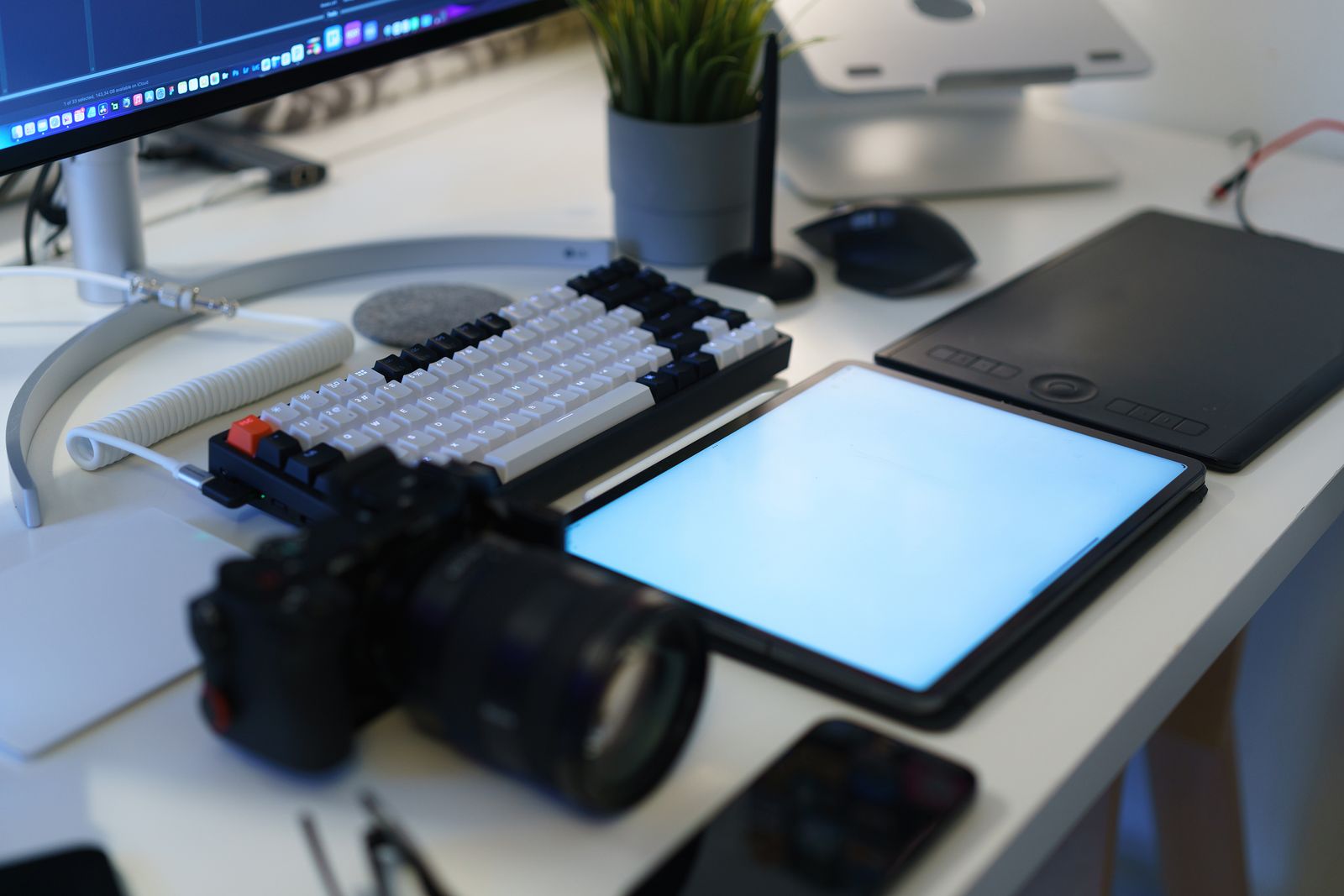
Search this and you get twelve-item lists. The real answer for a solo designer is four things, and the reason the lists are longer is partly that longer lists rank and partly that several of the products in them pay a commission.
Start with the disclosure, since almost nobody in this category offers one. HoneyBook publishes its referral terms: $50 for a referral that stays subscribed 100 days, up to $200 on an Unlimited plan for referrers who have transacted $2,000 or more themselves, capped at $10,000 a year outside their educator programme. Dubsado gives the referred person 20% off their first month or year and the referrer a free month. Those are ordinary arrangements and they are also the reason a certain kind of page exists. North runs no affiliate programme and has no affiliate relationship with anything named here.
The four that earn their place
Something to make the work in. You already have this and no article is going to change your mind about it, which is why the roundups pad this section with alternatives nobody switches to.
Somewhere files live that is not your laptop. Any of the obvious ones. The requirement is that a client can be sent a link without you thinking about it, and that a dead hard drive is an inconvenience rather than an emergency.
A way to send proposals and contracts. This is the one worth being fussy about, because it is the only tool on the list that affects whether you get the job at all. What matters is not the feature count but whether the document ends up saying what the work is and what it costs without you rebuilding it from scratch each time.
A way to invoice and be paid. Ideally the same place the proposal came from, so that what was agreed and what gets billed cannot drift apart. Card payments cost a processing fee wherever you go; what varies is whether the software also takes a cut on top, which is worth checking before you commit.
The three where the answer is nothing
A CRM, until you are losing leads. A pipeline board for eleven clients a year is a hobby. The trigger for getting one is forgetting to reply to somebody, not reading an article about pipelines.
Time tracking, unless you bill by time. If you have moved to project pricing, tracking hours is useful for exactly one thing: finding out whether your estimates are any good. That is a genuinely valuable use, and it needs a spreadsheet, not a subscription.
A project-management tool your client has to log into. Every freelancer tries this once. The client does not log in. Then you are maintaining a board that only you read, and emailing them the contents of it anyway.
The all-in-ones, briefly
Three products dominate the consolidation question, and the detailed price comparison with the date it was checked is a separate page. Short version, as of 11 August 2026: HoneyBook from $29/mo annually, Dubsado from $335/yr, Bonsai from $19 per user per month annually for the tier that actually includes proposals and invoicing.
They are good at what they claim. The trade is breadth: a tool covering nine jobs will be adequate at all nine and excellent at none, and for most solo designers the job where adequate hurts most is the proposal, because that is the one with revenue attached.
Two questions to ask before adding anything
What am I currently losing? Not what could theoretically be improved. What has actually gone wrong in the last three months — an invoice sent six weeks late, a file you could not find while a client waited, a lead that went cold in an inbox. A tool bought against a real loss gets used. A tool bought against an imagined one becomes a subscription you notice each January.
Where does this end up when I stop paying? Some of the best-behaved software in this category will export everything you have put into it on the way out, and some of it will hand you a locked archive and a link to sales. That question costs a minute to answer before you sign up and is close to unanswerable afterwards, when it matters.
The thing worth spending on instead
An observation rather than a product pitch. The largest single improvement available to most freelancers is not a piece of software, and it is free: asking the client what the outcome is worth to them before quoting. There is no dependable published benchmark for this work — we went looking and wrote up what we found — which means the number has to come from the buyer, and a subscription cannot get it for you. That conversation pays better than every product on this page combined.
For what it is worth: North does the proposal-and-get-paid half of that four-item list — notes to a scoped project, tiered pricing with the sums visible, contract bundled with the proposal, then invoices, reminders, and card payment through your own Stripe with no cut taken. It does not do scheduling, lead capture or time tracking, and its own pricing has not been published yet, so treat this paragraph as a description rather than an offer.
Buy the fewest tools that stop you losing things. Revisit in a year.
Frequently asked questions
- What tools does a freelance designer actually need?
- Four: something to make the work in, somewhere to keep files, a way to send proposals and contracts, and a way to invoice and be paid. Everything else on the standard list — a CRM, a time tracker, a project-management board, a scheduling link — is optional for a solo practice, and each one you adopt is a small permanent tax on your attention that has to earn its place.
- Are all-in-one freelance platforms worth it?
- They are worth it at the point where you are losing things: an invoice you forgot to send, a contract you cannot find, a lead you never replied to. Below that threshold a consolidation tool mostly consolidates a problem you do not have yet, and the monthly cost is easier to justify than the setup weekend it will quietly require.
- Why do best-tools lists all recommend the same software?
- Partly because the same handful of products genuinely dominate, and partly because several of them pay commission. HoneyBook's published terms pay $50 for a referral that lasts 100 days and up to $200 in some cases; Dubsado gives the referrer a free month. Disclosure is rare on the pages that rank, so read a ranked list as an opinion with an interest attached.
- How much should a freelance designer spend on tools each month?
- Less than most stacks cost, and the number worth watching is the ratio rather than the total. If your subscriptions exceed roughly a day of your billing rate a month, you have bought a stack for a bigger business than the one you have — which is a very common way to spend two hundred a month solving problems you would notice at ten times your current volume.
From the blog
Plain-spoken guidance on the business side of your craft.
- PricingValue-based pricing for freelancers: how to do it, including the hard part
Every guide on this tells you to charge for the outcome. Almost none of them tell you what to do when the client cannot say what the outcome is worth, which is most of the time. This one is mostly about that conversation.
NNorth
2026-06-22
 PricingHow much should you charge for a logo? (2026)
We ran the published logo-price tables through verification and none survived. What's left is the method: a logo priced end to end, usage rights included, with the arithmetic on the page.
NNorth
2026-06-19
 PricingHourly vs value-based pricing for freelancers: which to use
The argument is usually staged as two options, and there are four. The two everyone fights about are the two fewest experienced freelancers actually use.
NNorth
2026-06-17
